
Using Your Phone in Europe: Roaming Charges, eSIMs and How to Dodge a Bill That Costs More Than the Holiday
Oct 15, 2026
Category: EU Travel Tips

Before 2021, using your phone in Europe cost the same as using it at home. For many Brits, that habit survived Brexit. Some only find out otherwise on the first morning of the trip, when a text from their network announces a daily charge.
UK networks now set their own roaming charges for Europe. Some include it in the plan, some bill a daily fee, and some add it only after you pass a data cap. The rules differ by operator, plan and country.
This guide explains what the main UK networks charge and when an eSIM, a local SIM or free Wi-Fi works out cheaper. It also covers the settings to change before you fly and the habits that keep your bill from running away while you travel.
Can You Still Use Your UK Phone in Europe After Brexit?
Yes, your UK phone still works in Europe, but whether it costs extra depends on your network and your plan. The free roaming you had before 2021 is no longer a legal right, so check your terms before you travel.
Why Roam-Like-Home No Longer Covers UK Customers
Until 31 December 2020, EU rules capped what UK networks could charge for roaming and let you use your allowance abroad at home prices. Those rules stopped applying to UK customers when the Brexit transition period ended.
The UK–EU trade agreement does not guarantee free roaming, so each network now sets its own charges. Some kept Europe in their plans, and others brought back daily fees or data limits.
What Your Network’s Europe Policy Looks Like in Practice
Your plan falls into one of three models, and your network’s website or app shows which one you are on. The model decides when charges start and what you pay.
- Included roaming: your normal allowance works in a listed set of countries, usually with a fair use cap on data.
- Daily pass: a flat fee applies each day you use data, calls or texts abroad, and it often switches on automatically.
- Pay-as-you-go rates: you pay per minute, per text and per megabyte, and the total can climb fast.
Older contracts can carry different terms from newer ones. Two people on the same network can pay different amounts for the same trip.
Which Countries Count as “Europe” on Your Plan
Three different lists get called “Europe”, and your network may use none of them exactly. The EU, the Schengen Area and your operator’s roaming zone overlap but don’t match.
| List | Who decides it | Gap to watch |
| EU | EU member states | Ireland and Cyprus are in the EU but outside Schengen |
| Schengen Area | Schengen states | Switzerland, Norway, Iceland and Liechtenstein are in Schengen but not the EU |
| Your network’s zone | Your operator | Can add or drop countries such as Turkey or Gibraltar |
Check your network’s country list before you book. If a country is missing, you’ll be charged standard international rates rather than the Europe rate.
How Much Do UK Networks Charge for Roaming in Europe?
Charges run from nothing to £2.57 a day, depending on your network and when your plan started. O2 includes Europe in your plan, while EE, Vodafone and Three charge a daily fee on most newer plans.
Daily Passes vs Inclusive Roaming
A daily pass lets you use your normal allowance in Europe for a flat fee on each day you use it, while inclusive roaming adds no fee. Multi-day passes cut the cost of a longer trip:
- Vodafone sells 8-day and 15-day European roaming passes.
- EE sells a Roam Abroad Pass that removes the daily charge on plans with Inclusive Extras.
- Three sells 3, 7 and 14-day Go Roam passes.
Network-by-Network Comparison
Your plan’s start date matters, because older contracts often keep inclusive roaming and skip the fee. The table shows what each network charges now.
| Network | Europe roaming charge | Data cap abroad |
| EE | £2.47 a day on plans started on or after 7 July 2021 | 50GB |
| Vodafone | £2.57 a day unless your plan includes roaming | 25GB |
| Three | £2 a day on plans started or upgraded on or after 1 October 2021 | 12GB |
| O2 | Included in your plan | 25GB |
Fair Use Limits and What Happens When You Hit Them
Once you pass your cap, O2 charges £3.50 for each extra gigabyte and texts you as you near the limit. Three also bills for data beyond its fair use limit, and O2 treats more than 63 days of roaming in any four-month period as unfair use.
Your Spending Protections
Roaming fees count toward your spend cap on EE and Three, so a zero cap blocks your allowance abroad. UK rules also limit data charges abroad to £45 unless you choose to keep spending.
What Should You Check on Your Phone Before You Leave?
Check your plan’s roaming terms, your data settings and your phone’s security. Doing it at home on Wi-Fi costs nothing and is far easier than fixing a problem abroad.
Confirm Your Plan and Allowance
Open your network’s app or website and find the roaming section, which shows whether Europe is included, the daily fee, and which countries count. Buy any pass before you use data abroad, because Three charges its daily fee as soon as you use any plan allowance, and EE charges for any day you use your allowance.
Vodafone’s 8-day and 15-day passes are one-off purchases that do not renew automatically, and you can buy them through My Vodafone or by text.
Settings to Change Before Take-Off
Turn data roaming off until you need it, and set low data mode, app updates, photo backups and cloud sync to Wi-Fi only. Those background tasks use mobile data even when you’re not using anything.
| Setting | iPhone | Android |
| Data roaming | Settings > Mobile Service > Mobile Data Options | Settings > Network & internet > SIMs |
| Low data mode | Mobile Data Options > Data Mode | Settings > Network & internet > Data Saver |
| App updates and backups | App Store settings, and Photos > Mobile Data | Play Store settings, and Google Photos backup settings |
Software and Security Housekeeping
Update your operating system and back up your phone on home Wi-Fi to avoid large downloads and lost data abroad. Then set up these protections in case your phone or SIM goes missing:
- Enable Find My on iPhone or Find Hub on Android so you can locate, lock, or remotely wipe the phone.
- A SIM PIN, which stops anyone using your SIM card in another handset.
- A screen lock with a strong passcode.
Is an eSIM Better Than Roaming for Europe?
An eSIM often costs less than roaming on a plan with a daily fee, and roaming is simpler for a short trip or if your plan includes Europe. The better choice depends on how long you stay and how much data you use.
What an eSIM Is and Which Phones Support One
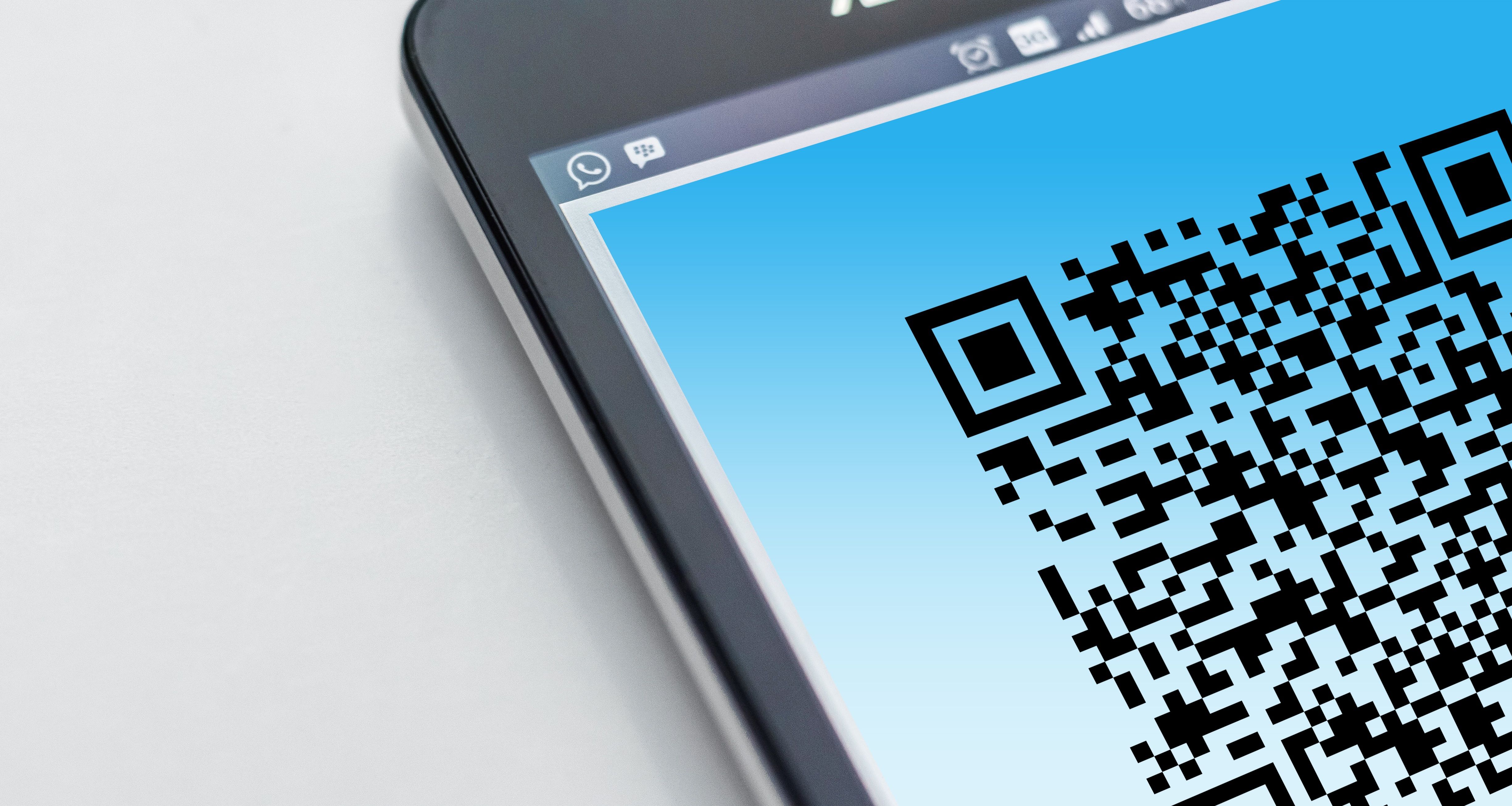
An eSIM is a SIM built into your phone, which you set up by scanning a QR code instead of inserting a plastic card. It works on the iPhone XS and later, the Samsung Galaxy S20 and later, and the Google Pixel 3 and later, and your phone must be network-unlocked to accept a plan from another provider.
- iPhone: open Settings, General, About, and look for “No SIM restrictions” under Carrier Lock.
- Android: ask your network to confirm the phone is unlocked, because the menu differs by brand.
Choosing Between Regional, Country-Specific and Pan-European Plans
Match the plan to your route rather than the lowest headline price. Most travel eSIMs are data-only, so you make calls through apps such as WhatsApp unless the plan includes a number.
| Plan type | Best for | Watch for |
| Country-specific | A trip to one country | You need a new plan at each border |
| Regional Europe | A route through several countries | Country lists differ by provider |
| Global | A trip that mixes Europe with other continents | A higher price per gigabyte |
Installing and Switching on an eSIM
Install the eSIM on home Wi-Fi before you leave, because you need an internet connection to download it. Keep your UK SIM switched on as a second line if you want to receive calls, texts and verification codes on your UK number, and set the eSIM as your mobile data line.
When Roaming Still Wins
Roaming wins on short breaks, on plans that already include Europe, and when you would rather not manage settings. On a weekend trip, one or two daily fees may cost less than buying a plan, and on a plan like O2’s, an eSIM adds cost for no gain.
Should You Buy a Local SIM Card in Europe?
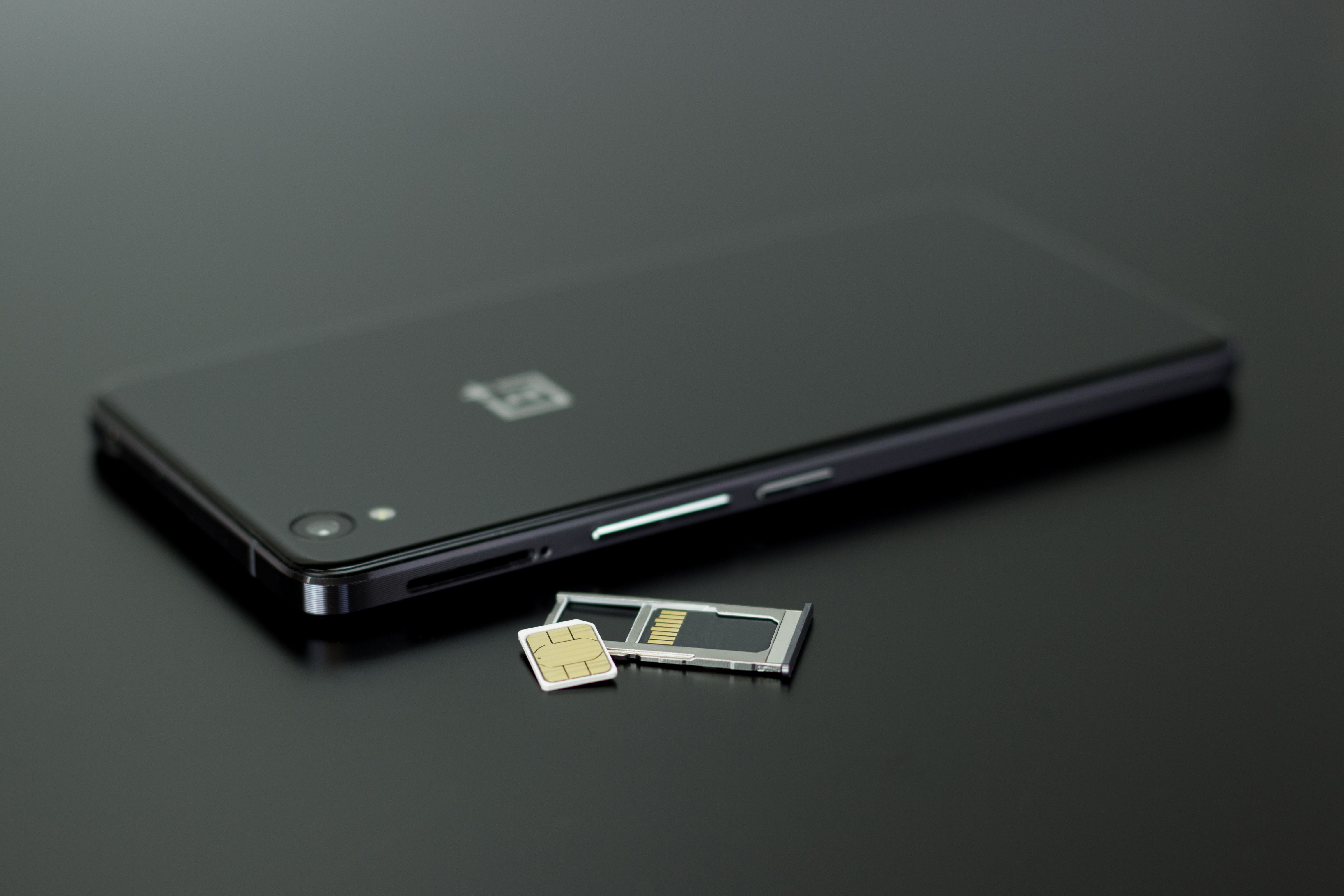
A local SIM is worth buying if you stay longer than a couple of weeks, work online or spend most of your trip in one country. On a short break, a daily roaming fee usually costs less than the time it takes to buy and set one up.
Where to Buy and What It Costs
Local SIMs are sold at airports, supermarkets and phone shops, and prepaid options often start at around £5 to £10. That equals a few days of a £2-a-day roaming fee, so a longer trip makes the savings clear.
| Where to buy | Main advantage | Trade-off |
| Airport kiosk | Available as soon as you arrive | Prices tend to be higher |
| Supermarket | Lower prices and long opening hours | Little help with setup |
| Network shop | Staff set up and activate the SIM | Queues and shorter opening hours |
Registration, ID and Activation Rules
Many European countries, including Italy, Spain and Germany, require you to register a prepaid SIM with your passport before it works. The seller usually does this at the counter, so have these ready:
- Your passport as photo ID.
- A phone you have confirmed is network-unlocked.
- A little time, because activation can take a short wait.
When a Local SIM Makes Sense
A local SIM suits longer stays, remote work and trips based in one country, where a single local plan covers most of your data use. Visa-free stays are limited to 90 days within any 180-day period, and you can check your remaining days from your phone through the EES online tool.
Downsides to Plan Around
A local SIM replaces your UK number as your active line, so you need to keep your UK SIM safe and swap cards to use it. Coverage can also be weaker in rural areas, depending on which local network you choose.
How Can You Stay Online in Europe Without Spending on Data?
Connect to Wi-Fi wherever you can, make calls and send messages through apps, and download maps, shows and music before you leave. These steps cover most of what you do on your phone and use no mobile data.
Wi-Fi Calling and Messaging Apps
Wi-Fi calling lets you make and receive calls and texts on your UK number over Wi-Fi, and most UK networks support it on recent phones. Turn it on in your phone’s settings and your network’s app before you leave.
WhatsApp, FaceTime and iMessage also work over Wi-Fi, so you can message and call home without using your allowance.
Offline Maps, Downloads and Translation
Download what you need on home or hotel Wi-Fi, because a single day of map browsing or streaming can use a large share of a roaming data cap. The table shows where to find each offline option.
| What to download | Where to find it | Good to know |
| Maps | Google Maps: profile picture, Offline maps | Walking and driving directions work, but live traffic does not |
| Translation | Google Translate: language settings, Download | Download each language you need separately |
| Shows and music | Netflix, Spotify and BBC iPlayer apps | Set the downloads to Wi-Fi only |
Public Wi-Fi Safety
Open Wi-Fi in cafes, stations and airports is convenient, but anyone on the same network may be able to see unprotected traffic. Keep these tasks for a trusted connection:
- Online banking and card payments.
- Buying tickets or booking accommodation.
- Logging in to email and work accounts.
A VPN encrypts your traffic on public Wi-Fi, but it does not stop phishing messages or fake network names. Check the exact network name with staff before you connect.
How Do You Stay Safe and Reachable in an Emergency?
Know that 112 reaches emergency services across Europe, protect your phone so you can lock or locate it, and use only official websites for travel documents. These steps take a few minutes to set up and matter most when something goes wrong.
Calling 112 and 999 Abroad
Dial 112 in any EU country to reach the police, an ambulance or the fire service, and the call is free. Your phone can place an emergency call through any available network, even when your own plan has no signal.
Have these details ready when the operator answers:
- Your location or the nearest landmark.
- What has happened.
- How many people need help.
Phone Theft and Pickpocketing Hotspots
Thieves favour crowded places such as metro carriages, station platforms and busy tourist sites, so keep your phone in a zipped bag or front pocket. If yours is taken, work through these steps:
| Step | What to do | Why it matters |
| Lock the phone | Mark it as lost in Find My or Find Hub | Blocks access to your data and shows a contact message |
| Call your network | Ask them to bar the SIM | Stops anyone running up calls or data charges |
| Report to local police | Ask for a written report | Insurers usually ask for one |
| Give your IMEI | Dial *#06# on a spare phone or check your account | Lets your network block the handset |
Spotting Travel Scams on Your Phone
Fake sites and apps copy official designs to charge extra fees and collect your passport details. Check the web address before you enter anything, and treat links in unexpected texts or emails with caution.
The European Travel Information and Authorisation System (ETIAS) is not yet operational, and no applications are being collected, so any site or app offering one now is not official. The EU will announce the start date several months before launch, and applications will go through the official ETIAS website or mobile app for a €20 fee.
What Should You Download and Pack Before You Fly?
Download apps for transport, payments and tickets, and pack a plug adaptor, a power bank and paper copies of your key documents. A little preparation keeps your phone useful when your battery or signal runs low.
Apps Worth Installing Before You Go
Install each app and log in on home Wi-Fi, because verification codes and account setup are harder to sort out abroad. The table covers the most important apps.
| App type | Examples | What it does for you |
| Transport | Trainline, Citymapper | Plans routes and stores rail tickets |
| Ride-hailing | Bolt, FREENOW | Books taxis without cash or a language barrier |
| Banking | Your bank’s app | Freezes a lost card and shows spending as it happens |
| Digital wallet | Apple Wallet, Google Wallet | Stores cards for contactless payments, plus boarding passes |
| Airline | Your airline’s app | Shows gate changes, delays and baggage updates |
Chargers, Adaptors and Power Banks
UK three-pin plugs do not fit most European sockets, so pack a standard EU adaptor. Most modern phone chargers handle European voltage, and the small print on yours should read 100–240V.
- A spare adaptor, so two devices can charge at once.
- A power bank in your hand luggage, because airlines do not allow them in the hold and most accept up to 100Wh without approval.
- A spare charging cable.
Paper Backups and Border Readiness
Carry your physical passport, because a photo of it on your phone is not accepted at the border. Keep paper copies of these in case your battery dies:
- Boarding passes and rail tickets.
- Accommodation names and addresses.
- Your travel insurance policy number and emergency line.
- A contact number for someone at home.
Border officers register your facial image, fingerprints or both on your first entry under the Entry/Exit System (EES), which replaces passport stamping across most of Europe. You can check how many days you have left at the official EES tool or at some border crossing points.

Check Your Plan, Pack Your Charger, Then Look Up From the Screen
Using your phone in Europe costs what you decide it costs. Short breaks suit your network’s roaming deal, longer or multi-country trips suit an eSIM, and extended stays suit a local SIM.
Check your plan this week, install any eSIM on home Wi-Fi, and set your spend cap before you leave.